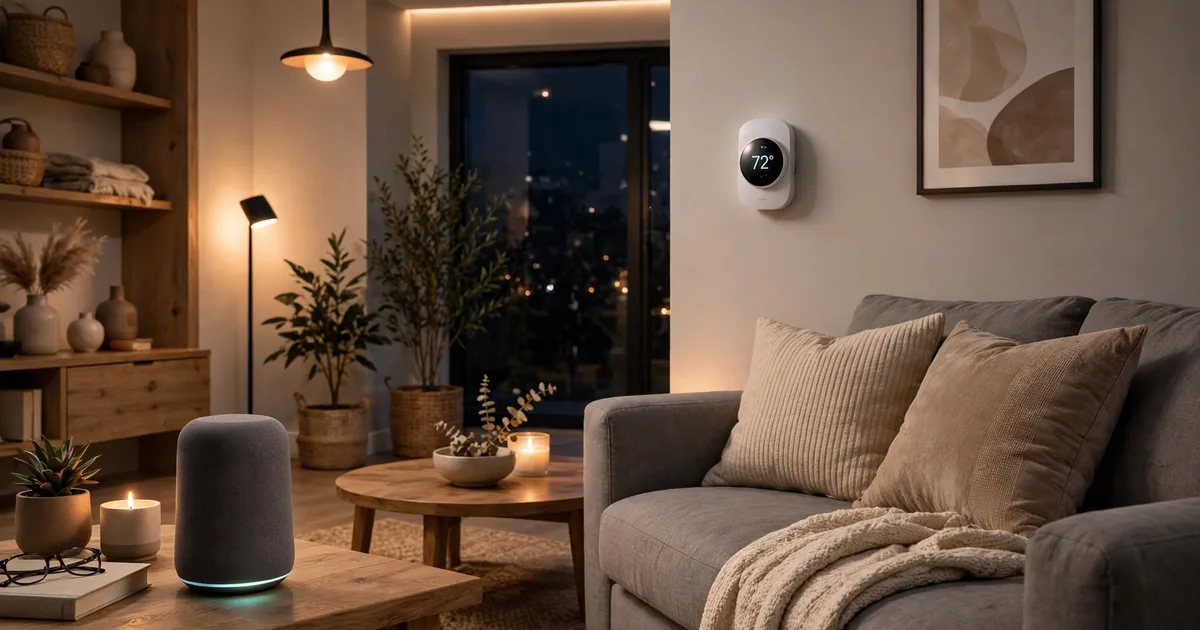
Imagine coming home in the evening and the lights turn on softly, the temperature is already comfortable, and your favourite music starts playing. You did not touch a switch. That is smart home automation: everyday devices working together automatically, based on time, presence, or a simple voice command.
In 2027, starting a smart home is easier than ever. Devices from different brands work together more reliably, basic devices cost less, and you do not need technical knowledge to begin.
What Is Smart Home Automation?
Automation is different from remote control. Remote control means you tap an app to turn on a light. Automation means the light turns itself on at sunset, dims late at night, and turns off when everyone leaves the house.
Every useful automation has three parts: a trigger, such as sunset or motion; a condition, such as whether it is dark; and an action, such as turning on lights or adjusting the thermostat.
How a Smart Home Works
Devices are the things you use: smart bulbs, plugs, thermostats, cameras, locks, speakers, and sensors. A hub or controller connects them and runs your routines. For many beginners, a smart speaker or smart display is enough. A dedicated hub suits larger homes, mixed brands, or automations that should keep working when the internet goes down.
Protocols are the languages devices use to communicate. Wi-Fi is familiar and needs no extra hub, but too many Wi-Fi devices can crowd a weak router. Zigbee and Z-Wave are low-power mesh networks that work well for battery sensors. Thread is a newer low-power mesh network, and Matter is a shared standard that runs over Wi-Fi and Thread, so certified devices can work across Apple Home, Google Home, Alexa, and SmartThings.
Step 1: Choose One Ecosystem First
The biggest beginner mistake is buying random devices without checking compatibility. Before anything else, pick one main platform: Apple Home, Google Home, Amazon Alexa, or SmartThings.
Think about the phones, speakers, and televisions you already use. If your household uses iPhones, Apple Home may feel natural. If you already use Google speakers or an Amazon Echo, staying in that ecosystem makes setup easier.
Step 2: Start With Lighting and Smart Plugs
Smart lighting is the best place to begin because the benefit is immediate and setup is simple. Smart bulbs screw in like normal bulbs, connect to your app, and can be dimmed, scheduled, or changed in colour. Smart plugs are the second beginner essential. They turn an ordinary lamp, fan, coffee maker, or heater into a controllable device without replacing it. Choose plugs with energy monitoring if you want to see how much power an appliance uses. This is also the easiest way to test automation: set a lamp to turn on at sunset and off at bedtime.
Step 3: Add Climate Control and Security
Once lighting works reliably, add a smart thermostat. It can learn your schedule, lower heating or cooling when the house is empty, and return to a comfortable temperature before you arrive home. Savings vary by home, climate, and usage, but a thermostat is often the device that pays back fastest, because heating and cooling are usually a large part of a home energy bill.
For security, start with a video doorbell or one camera at the main entrance. Add a smart lock only after you are comfortable with the app, because a lock affects daily access to your home. Look for motion alerts, two-way talk, temporary codes for guests, and a clear record of locking and unlocking.
Step 4: Create Simple, Useful Routines
Now connect your devices into routines, starting with three or four simple ones. A morning routine can turn on kitchen lights and set a comfortable temperature. A leaving-home routine can turn off lights, set the thermostat to away mode, and arm cameras. A goodnight routine can turn off all lights, lock doors, and set the thermostat for sleep.
How Much Does a Beginner Smart Home Cost?
Costs vary by brand, country, and installation, so treat these figures as planning ranges, not fixed prices. A starter setup with a smart speaker, two or three bulbs, and one or two plugs can cost around $100 to $150. A comfortable setup covering several rooms, a thermostat, and one camera often lands between $300 and $700. A whole-home setup with security, climate control, and many rooms can easily pass $1,500. Buy in phases, and spend more only on the rooms and routines you actually use.
Security and Privacy: Do Not Skip This Part
Use a strong, unique password for your smart home account and turn on two-factor authentication. Keep device software updated, because updates often fix security problems. Use a separate Wi-Fi network for smart devices if your router supports it, especially for cameras. Review camera and microphone permissions regularly, and turn off features you do not use.
Common Beginner Mistakes to Avoid
Buying too much at once creates confusion, weak Wi-Fi, and routines nobody remembers. Buying incompatible devices is the next most common mistake, so always check platform and protocol support before ordering. Do not automate everything either. Keep a normal switch or manual option for essential lights and locks, so you can still enter your home and turn on a light if the internet goes down.
Final Checklist
Choose one ecosystem. Start with one room. Add lighting and plugs first, then a thermostat and basic security. Create three or four simple routines. Secure your account, update your devices, and expand slowly. A beginner smart home in 2027 does not need to be large or expensive. It needs to be reliable, easy to use, and built around your real daily routine.